




Best Website Builder
I test every website builder so you don’t have to. These are my rankings of the best website builders for 2026.
Our work is supported by affiliate commissions. Learn More
By Juhil Mendpara | Updated Feb 5 2026
Squarespace is the best website builder for restaurants in our testing.
If you’re building a website for a café, takeaway spot, bar, food truck, fine-dining restaurant, or a small local chain, Squarespace is usually the sweet spot. It offers a balance that is hard to find elsewhere: polished templates that look expensive, a flexible editor that doesn’t require a degree in design, and solid options for reservations and ordering that don’t break the bank.
We consider Squarespace the Apple of website builders. It’s intuitive and thoughtfully designed, with polished features, beautiful templates, and an editor that covers what most restaurant websites actually need.
Instead of burying you in endless options, Squarespace gives you a curated set of tools that actually work.
Squarespace offers many features, but for a restaurant, these are the ones that matter.

Squarespace has outstanding templates for restaurant websites.
Choose a template based on layout and whitespace, not the demo photos. A few examples:
A few important notes about templates:
See All Squarespace Restaurant Templates
You can also just delete the pre-populated pages and start from scratch, or use the Blueprint AI Builder to start with its new AI-based website builder.
Tip: Blueprint AI Builder can help you start fast, but if you care about layout and hierarchy, you’ll usually get a cleaner result by starting with a template (or a blank page) and building intentionally in the editor.

Squarespace Overview & Using Its Editing System
Squarespace’s grid-based drag-and-drop editor, Fluid Engine, allows you to intuitively drag and drop blocks anywhere in a section with Squarespace’s Fluid Engine editing system. This structured approach provides sufficient customization while remaining intuitive and easy to use.
Fluid Engine also has an independent mobile view. You can rearrange the mobile layout blocks and sections so that the most essential info isn’t buried at the bottom of a long scroll on a phone screen.
Many restaurant websites use PDF menus, which are cumbersome on mobile: they force users to pinch, zoom, and pan around a tiny document. They require users to download a file just to see if they can afford the steak. They kill conversions. They are also difficult to edit—you basically have to replace the PDF to change even the smallest detail.
Squarespace provides web-native menu formatting, which is superior for three reasons:
Squarespace doesn’t force you into a walled garden. You have choices depending on your operations:
If you want customers to order directly through your website, Squarespace integrates with ChowNow and can add an embedded ordering experience to your site.
This is vital if you want to own the customer relationship rather than paying massive fees (20-30%) to third-party delivery apps like Uber Eats or DoorDash. While those apps are good for discovery, your goal should always be to convert loyal customers to order directly through your site, where you keep the profit.
Squarespace provides a suite of tools to keep customers coming back and ensure new ones can find you.
Squarespace offers a 14-day free trial. After that, there are four plans. If you pay annually, the pricing is:
Tip: You can use code SBR10 to get an extra 10% off.
Core is the sweet spot because it removes the most significant “small business tax” on Squarespace: the online store transaction fee is 0% (Basic charges 2%). It also includes advanced website analytics and unlimited contributors, which matters if you want multiple people to update the site.
Choose Core if you:
Basic is fine for a clean “brochure” restaurant website (Menu, Visit Us, Reservations link). But it has two limitations to know about:
Basic is a good fit if you:
Plus is for growing commerce. It keeps the 0% online store transaction fee, and lowers payment processing rates compared to Basic/Core (rates start lower). It also adds more commerce-focused tools like shipping/tax services and advanced sales functionality.
Choose Plus if you:
Advanced is primarily for high-volume commerce businesses that benefit from the lowest payment processing rates and the most advanced selling tools. Most restaurants won’t need it unless ecommerce is a serious part of the business.
People don’t visit a restaurant website to browse. They show up with a mission (usually on a phone):
Your job is to make those actions obvious.
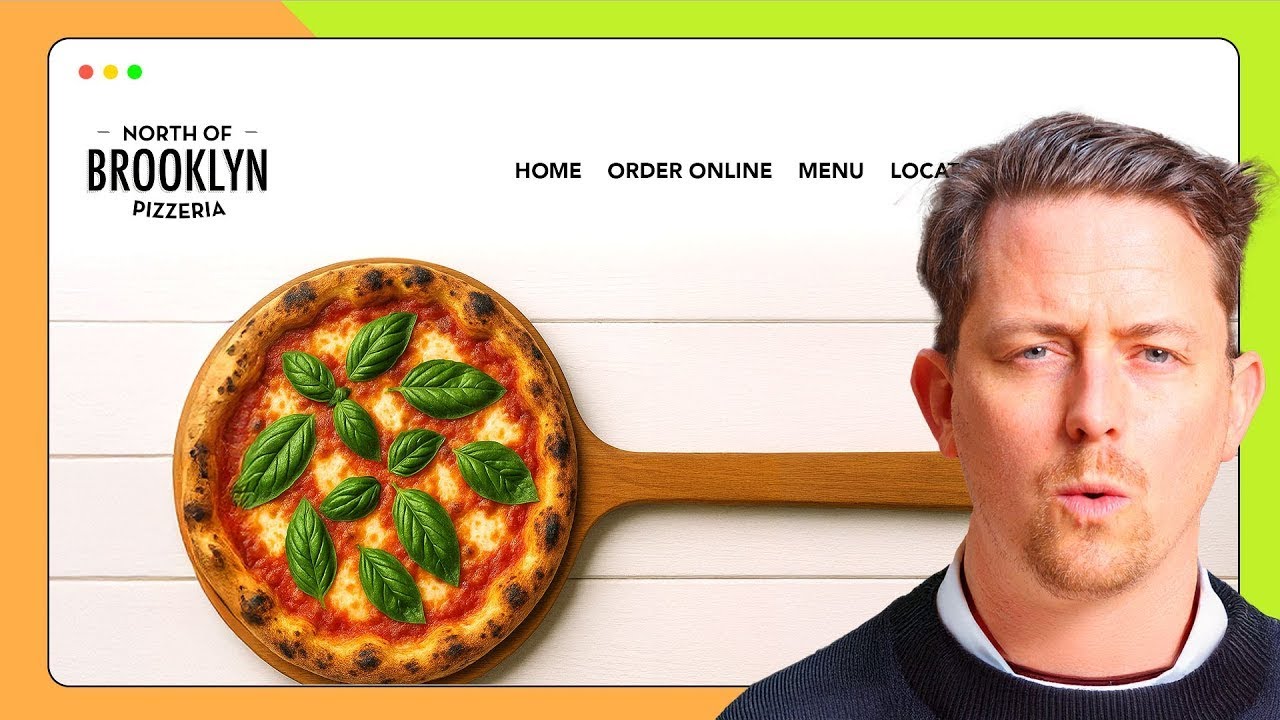
But here’s the nuance: branding matters too. Your website should communicate vibe instantly: steakhouse = dark and premium, BBQ = gritty and hearty, ice cream = bright and playful, cocktail bar = minimalist and curated.
A restaurant website has to do two jobs at once:
The mistake we see constantly is when branding blocks the task. Your branding should support utility — not replace it.
Step 1: Get Inspired. Before building, browse successful restaurant sites to see what works. Note how they display menus, where they place “Book Now” buttons, and the quality of their food photography. Squarespace’s restaurant templates (such as Palmer or Chotto) are also a great starting point for seeing professional layouts in action.
Step 2: Choose Your Starting Point. Pick a template that aligns with your restaurant’s vibe (e.g., Atlantic for fine dining or Juniper for a café). Alternatively, use Blueprint AI Builder—Squarespace’s guided builder—to generate a custom foundation by answering a few questions about your brand’s style and goals.
Step 3: Set Up the Page Structure. Create your core pages: Home, Menu, Locations, Reservations, Gallery, About Us/Our Story. Keep your navigation menu clean and lean.
Step 4: Build Your Digital Menu. Skip the PDF. Use the native Menu Block to type out your offerings. This ensures your menu is perfectly readable on mobile and searchable on Google. Organize it logically into sections like Starters, Mains, and Drinks, and add short, evocative descriptions for your signature dishes.
Step 5: Place Your Buttons (CTAs). Make it effortless for people to pay you. Place a high-contrast “Reserve a Table” or “Order Online” button in your site header and again at the top of your homepage. Ensure your phone number and address are in the footer so they are visible on every page.
Step 6: Finish Strong. Customize your fonts and colors to match your physical space’s atmosphere. Check the mobile view to ensure your buttons are easy to tap with one thumb. Finally, connect your custom domain, update your hours in the Google Business Profile to match your site, and hit publish.
Squarespace is excellent for marketing and will fulfill 95% restaurant websites’ needs, but it isn’t a full operations platform.
Yes. You can use the native Tock integration, embed widgets from OpenTable/Resy, or use simple form blocks for email requests.
No. It is bad for mobile user experience and SEO.
Clarity. Make the "Menu" and "Book Now" buttons impossible to miss.
Images and branding come close second.