



Best Website Builder
I test every website builder so you don’t have to. These are my rankings of the best website builders for 2026.
Our work is supported by affiliate commissions. Learn More
Our work is supported by affiliate commissions. Learn More
We have tested nearly a hundred website builders over the last decade.
If you want to build a website without spending much, you have more options than ever before.
At the moment, the two best low-cost options in our testing are Hostinger Website Builder and Carrd. They are, in a way, the two cheapest website builders. Plus, they are beginner-friendly, have ample features for the price, and deliver good results.
The best overall budget website builder.
Try HostingerThe cheapest website builder. For one-page websites.
Try CarrdThe Hostinger Website Builder is the best overall budget website builder. It combines a drag-and-drop editor, hosting, and templates into a no-frills, affordable package. It’s essentially an “80/20” builder that covers 80% of what users need for 20% of the cost.
It’s designed for anyone who wants a simple multi-page website without paying Wix or Squarespace prices. Yes, Wix and Squarespace offer more polished designs and many more features, but at the price, the Hostinger Website Builder delivers remarkable value!
If you are a small business owner, a freelancer, or someone who wants a website just for the heck of it, not as part of the big picture, Hostinger is a safe, affordable choice.

Hostinger usually has introductory offer plans that rival the cheapest website builders. Right now, Hostinger Website Builder plans start at $1.99/month if you pay 48 months upfront, which comes to about $96 for 4 years. For comparison, this is less than half the yearly price of popular builders like Wix and Squarespace.
There’s also a $2.99/month plan. It lets you make up to 50 websites and unlocks business, ecommerce, and AI features.
Hostinger doesn’t offer a free plan or free trial, which is disappointing since most competitors do. Still, you can cancel within 30 days for a full refund.
Keep in mind, Hostinger’s renewal prices jump a lot after the first term. The $1.99 plan goes up to $10.99 per month, and the $2.99 plan renews at $16.99 per month—which is still a good value for what you get. But most other builders don’t raise prices this much.
Hostinger Website Builder is among the cheapest website builders, starting at just $1.99/month (for a 1-4 year commitment, renews at a much higher price afterward). And it’s better than many website builders that cost 2x that!
NOTE: See ‘Tricky Pricing’ in Cons section.
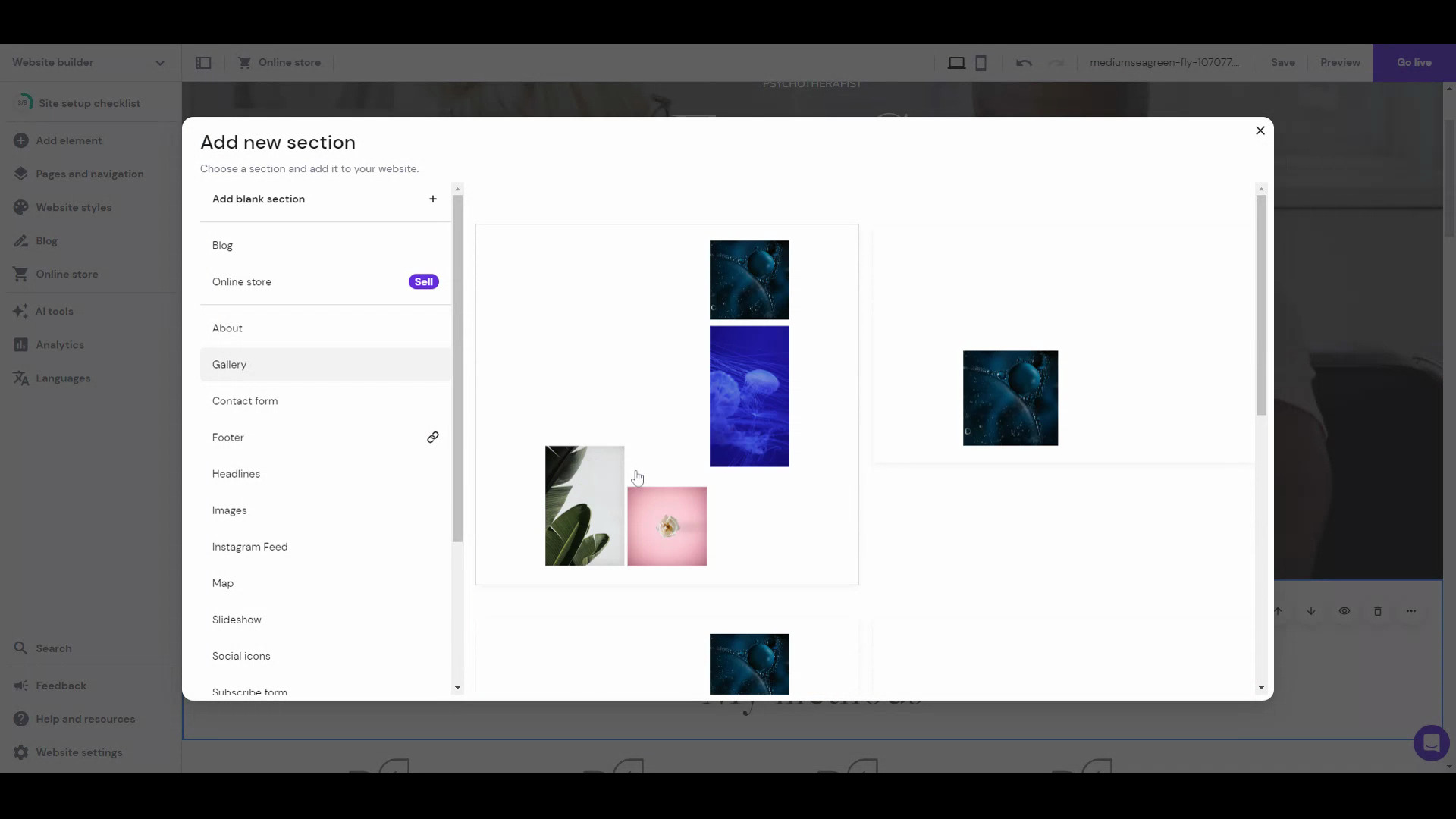
This is the biggest plus of the Hostinger Website Builder. The editing experience is a blend of top platforms, Wix and Squarespace editors—you can choose to use a grid layout like Squarespace, where you can drag and drop elements in a grid; or you can turn the grids off and use it like the unstructured Wix editor, wherein you can drop elements anywhere, and they’ll stick there to pixel-perfect.
Hostinger includes AI tools for making your website, creating a logo, writing copy, predicting visitor interaction on your website, and more. I find Hostinger’s AI capabilities among the best in the website builder niche.
You can easily implement a language switcher and translate website content with the Hostinger Website Builder, making it a good choice for reaching international audiences.
Hostinger offers a selection of 140+ templates across categories like fashion, photography, portfolio, services, etc. They are not among the best designs you’ll see, but they are decent.
The Hostinger Website Builder falls short compared to platforms like Squarespace and Wix in terms of advanced features. However, it’s improving: Since we last reviewed it in mid-2024, they have added password-protected pages and video background features. Still, you’ll find a few features missing, like: you can’t add a comment section to your blog; ecommerce is limited to 500 products; the editor blocks and sections are a bit basic compared to the top contemporaries, etc. On top of that, there’s no app store to extend the builder’s functionality.
Although you get 140+ fully customizable and responsive templates, the designs are comparatively basic. They aren’t as aesthetically pleasing as Squarespace templates or the best Wix templates. I have yet to see a “stunning” Hostinger Website Builder-made website.
The cheaper website builder plans of Hostinger use shared hosting, which isn’t the best for performance, scalability, and security. In comparison, website builders like Squarespace use cloud hosting across all plans, ensuring great performance and uptime, even during traffic spikes. Hostinger also offers cloud hosting plans, but those start at $9.99/month (renews at $19.99/month).
Hostinger Website Builder always has a $1.99/month-$2.99/month “deal” on, which I find is a bit deceptive — they create a false sense of urgency.
Then, the renewal prices are much higher.

Carrd is focused on the niche of one-page websites, and this focused approach serves its target audience quite well, especially monetarily: Carrd is the cheapest website builder.
It’s minimal, fast, and ideal for personal profiles, portfolios, landing pages, or “link in bio” pages. Think of it as the perfect online business card or mini-site builder.
Note: You can fake a multi-section menu with anchors, but it’s still a single page. For anything beyond a lightweight personal or marketing site, Carrd’s simplicity becomes restrictive.
Carrd’s pricing is refreshingly simple:
Yes, those are per-year prices — not per month. Even the top plan costs less than one month on most other builders.
Carrd is much cheaper than competitors. Plans with custom domains and no ads start at $19 per year. [Wix](https://www.sitebuilderreport.com/wix-pricing) and [Squarespace](https://www.sitebuilderreport.com/squarespace-pricing) start at $192 per year (i.e., 10x the price!).
Carrd’s themes and features are just for creating one-page websites— there’s a sense of purpose in the interface. You can use other website builders to build one-page websites, but it never feels as intuitive as Carrd.
I do find Carrd has a bit of a learning curve if you want more control over design than just using the default blocks. For example, you’ll need to wrap your head around concepts like containers and CSS classes. This isn’t intuitive for users who don’t understand HTML and CSS.
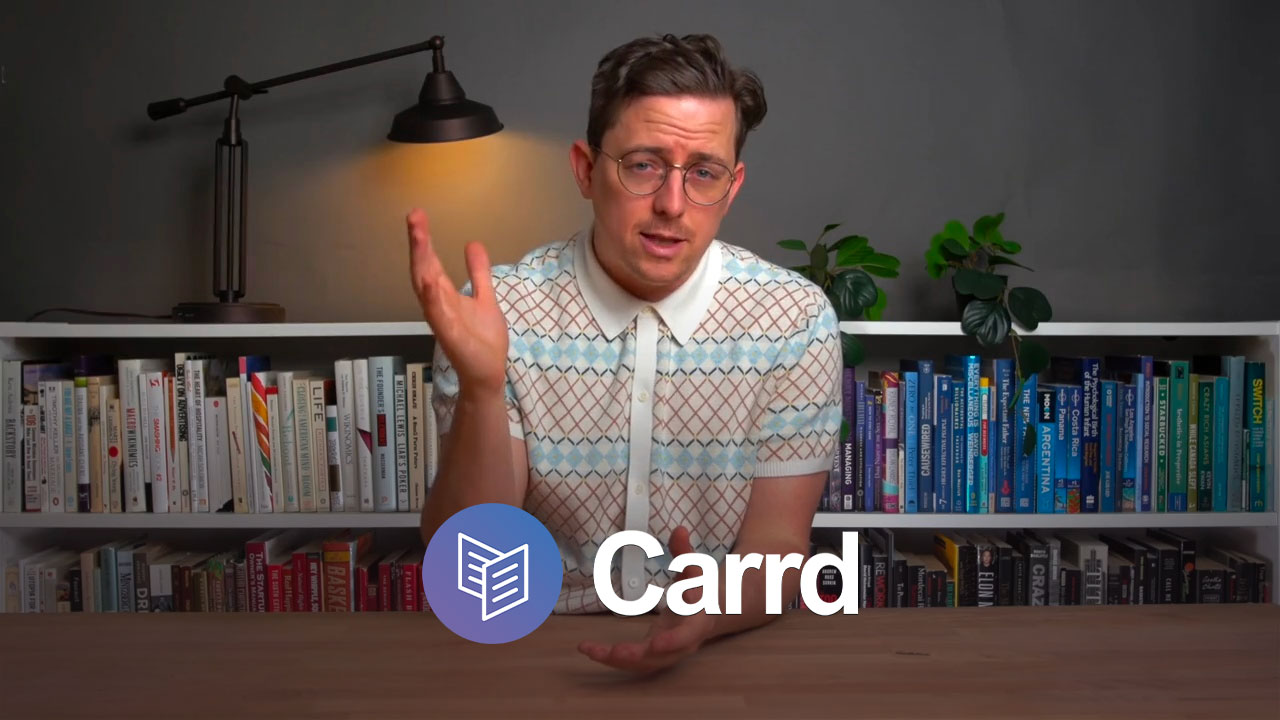
An overview of Carrd. (2:06)
If you need a traditional website with multiple pages and a navigation menu, Hostinger Website Builder is the best low-cost choice. It’s beginner-friendly, versatile, and packs excellent value into a cheap monthly plan.
If you only need a single, polished page like a personal portfolio or link hub, Carrd is hard to beat. It’s faster, simpler, and so cheap it almost feels free.
Both platforms show that a website doesn’t have to cost much.
That being said, we still recommend a website builder like Squarespace if you have a budget.